Usage Guide
Basic Gameplay
Objective
Fill a 9×9 grid so that every row, every column, and each of the nine 3×3 boxes contains all digits from 1 to 9 exactly once. No repetition allowed in any unit.
How to Play
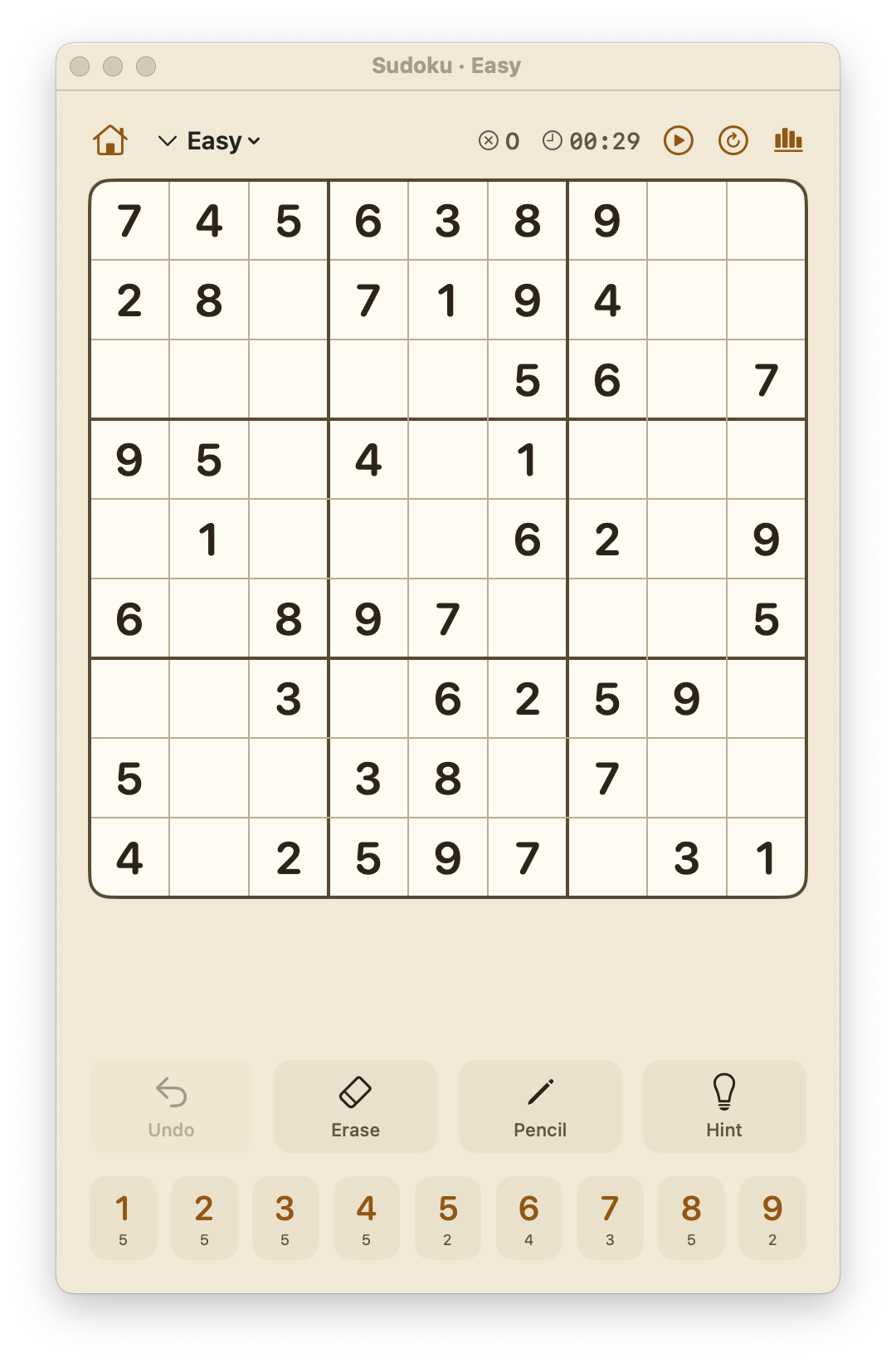
- Place a number: Tap or click an empty cell, then tap a digit from the number pad at the bottom of the screen.
- Pencil notes (candidates): Toggle Pencil mode, then tap cells to write small candidate digits. Useful for tracking possibilities.
- Erase: Tap the Erase button to clear a cell's value (or pencil marks when in pencil mode).
- Hint: Tap Hint to reveal one correct cell's value.
- Undo: Tap Undo to reverse your last move (supports full undo history).
Difficulty Levels
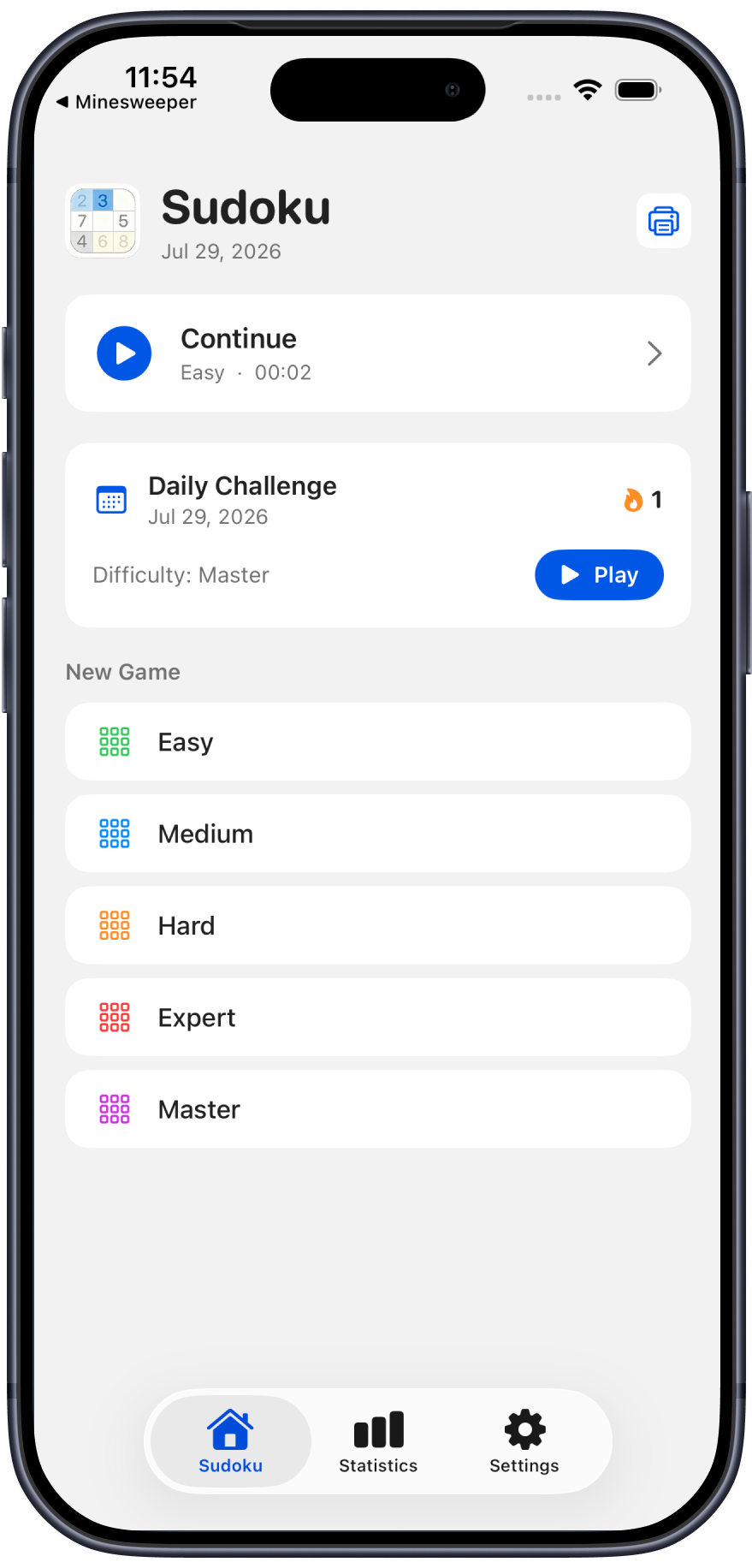
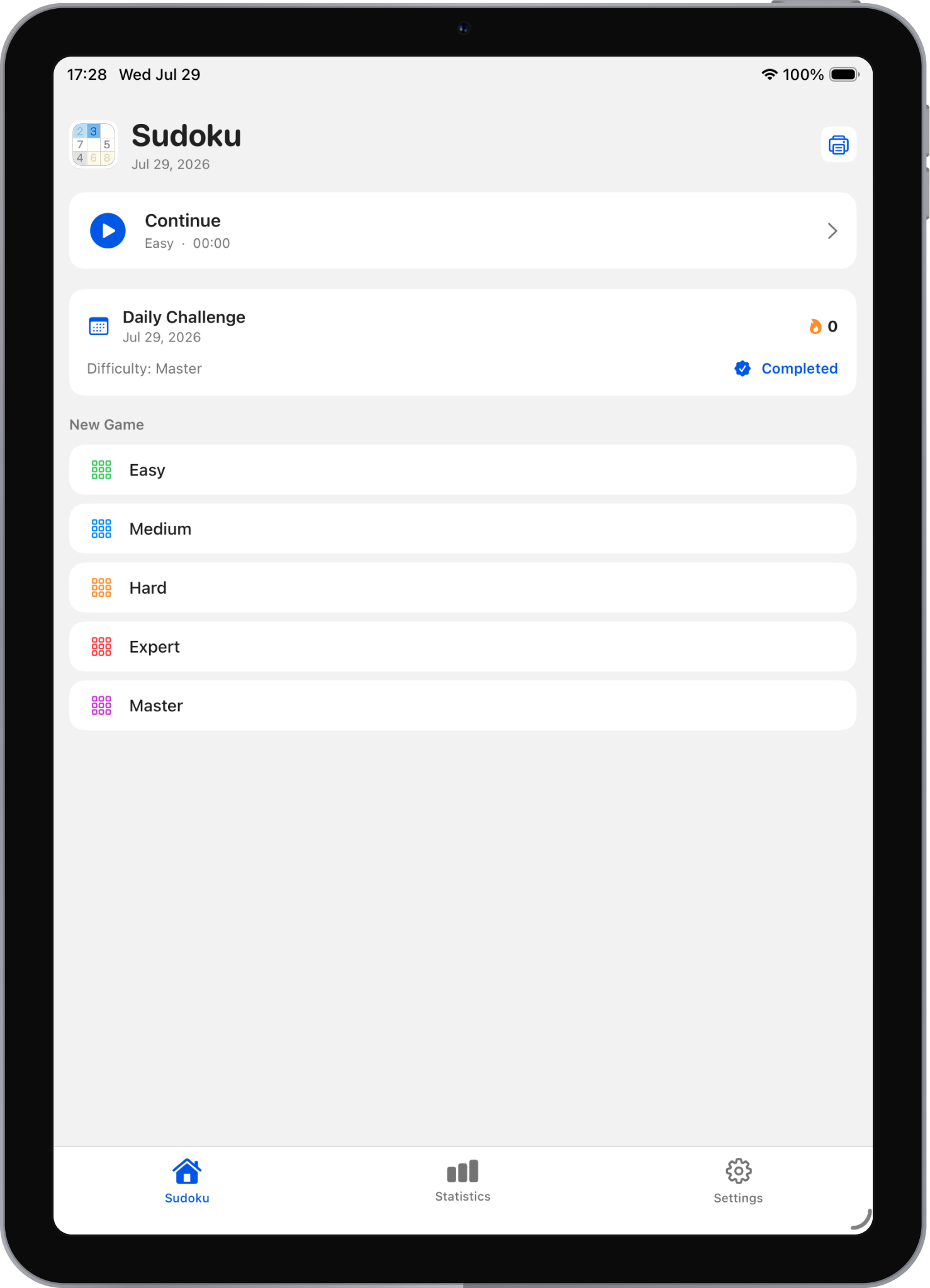
Each difficulty level determines how many cells are pre-filled (given) at the start:
| Level | Given Cells | Best For |
|---|---|---|
| Easy | 45 | Beginners & quick games |
| Medium | 36 | Casual players |
| Hard | 31 | Regular solvers |
| Expert | 27 | Experienced players |
| Master | 24 | Puzzle masters |
Game Controls
iPhone / iPad
- Tap an empty cell to select it
- Tap a number on the keypad to place it
- Toggle Pencil mode to enter/erase candidate notes
- Use Erase to clear a cell
- Use Hint for help when stuck
- Use Undo to take back moves
Mac
- Left-click an empty cell to select it
- Type a number key (1–9) or click the on-screen keypad to place
- Toggle Pencil mode for candidate notes
- Keyboard shortcuts:
⌘N— New game⌘Z— Undo⌘1through⌘5— Start new game at each difficulty level
Smart Features
Pencil Notes System
When you enable Pencil mode, you can write small candidate digits in empty cells. The smart pencil system:
- Auto-clears peer pencil marks: When you place a definitive number, pencil marks for that digit are automatically removed from all cells in the same row, column, and box.
- Toggle per cell: Switch between entry mode and pencil mode at any time.
Error Checking
Optional error highlighting shows incorrect entries in red, helping you learn without spoiling the puzzle.
Daily Challenge
A fresh Master-level puzzle is generated every day. Your daily challenge progress is tracked in Statistics with a calendar view showing your streak.
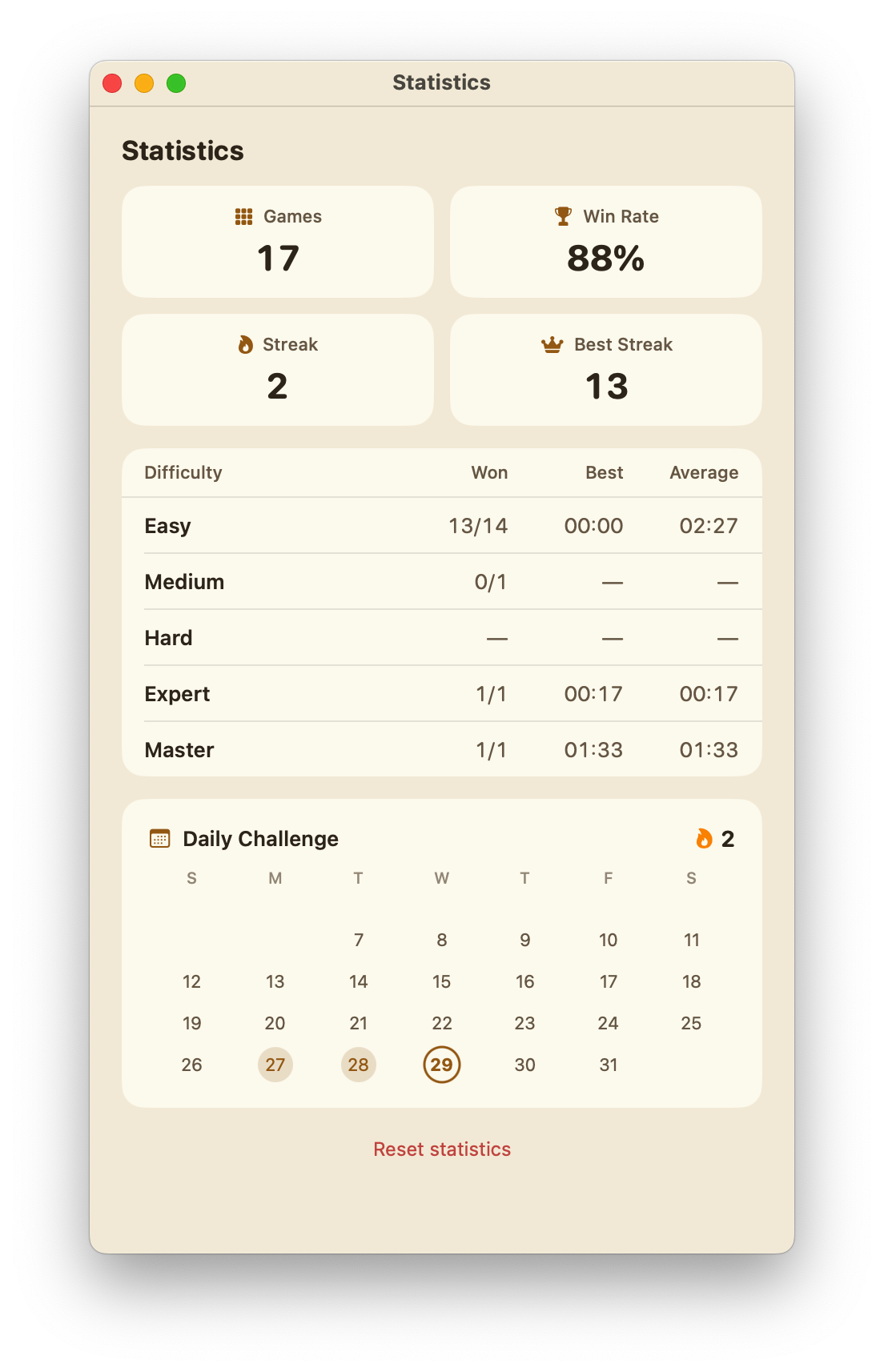
Statistics
Track your Sudoku journey:
- Total games played and win rate
- Current streak and best streak
- Per-difficulty breakdown: games won, best time, average time
- Daily Challenge calendar with completion indicators
Themes
Choose from eight beautiful color themes in Settings:
| Theme | Style |
|---|---|
| Classic | Clean white with blue accents |
| Midnight | Dark mode with deep blues |
| Paper | Warm parchment texture |
| Forest | Natural greens |
| Ocean | Calm sea blues |
| Sunset | Warm orange gradients |
| Lavender | Soft purple tones |
| Rose | Elegant pink palette |
iCloud Sync
When signed into iCloud on your device:
- Game saves sync automatically — continue on any device
- Statistics and settings stay in sync
- Daily Challenge progress transfers across devices
- Requires iOS/iPadOS 16+ or macOS 15+
Game Center
Connect with Game Center to:
- Compete on leaderboards for best completion times per difficulty
- Earn achievements: First Solve, Easy/Medium/Hard/Expert/Master Clear, Flawless (no hints or errors)
Print Puzzles (Mac)
On Mac, print puzzles directly from the app:
- Open the Print dialog from the toolbar
- Select difficulty level (Easy through Master)
- Toggle "Include Answers" if desired
- Click Print
Perfect for solving offline with pen and paper!
Sound Effects
Sudoku includes subtle sound effects:
- Number placement confirmation
- Hint revealed
- Error alert
- Victory celebration
Toggle sound on or off in Settings → Sound.
Tips and Tricks
- Start with what's given — scan rows, columns, and boxes that already have many numbers filled.
- Use pencil notes — they're especially helpful on Hard, Expert, and Master difficulties.
- Look for naked singles — if a cell has only one possible candidate, fill it in.
- Look for hidden singles — if a digit can only go in one place within a row/column/box, place it there.
- Use hints sparingly — they're great for learning, but completing a puzzle without hints feels more rewarding.
- Build your daily streak — the Daily Challenge is a great way to practice consistently.